Chrome extension · Now available
Export your AI chats to PDF, Markdown and JSON
Talkprint adds an Export button to ChatGPT, Claude and Gemini. Pick the messages that matter and save them as a clean, shareable file in seconds, without your data ever leaving the browser.
- Free to use
- No sign-up required
- Runs entirely in your browser
Works with
- ChatGPT
- Claude
- Gemini
How it works
From conversation to file in three steps
No setup, no account and no copy-pasting. Talkprint works right inside the chat you already have open.
Open a chat
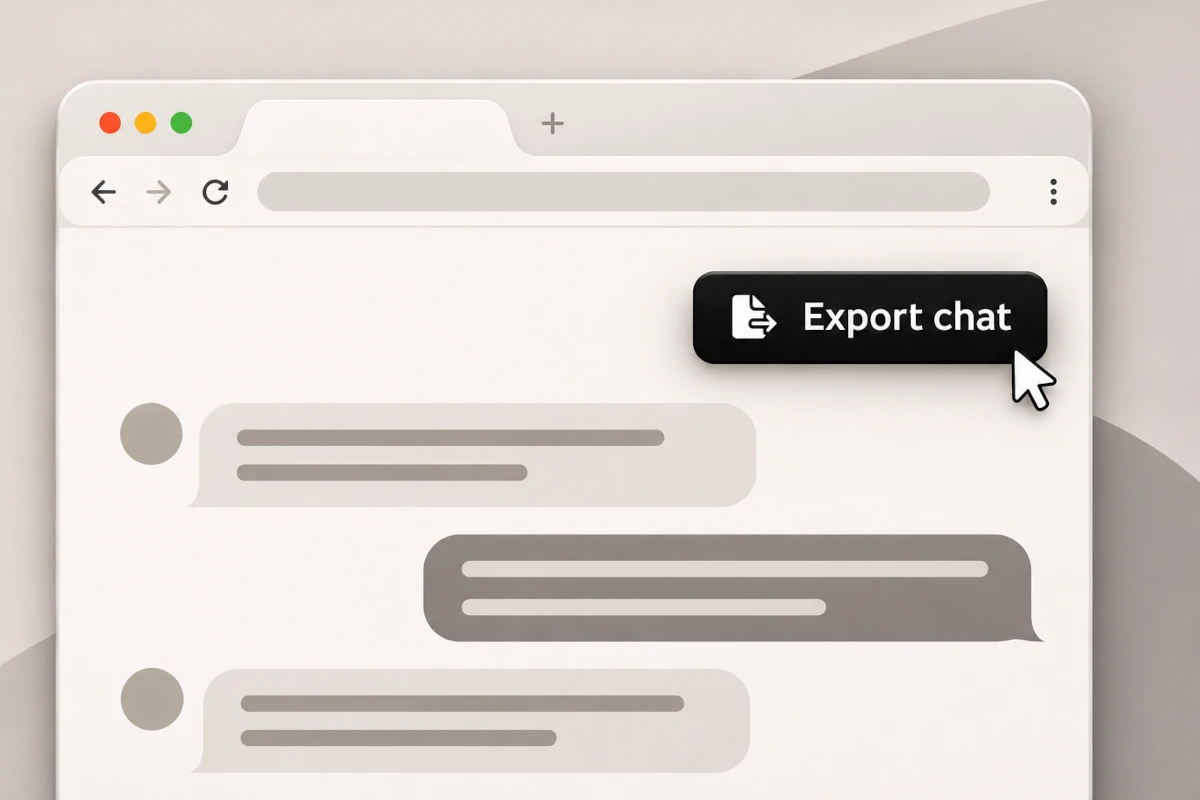
Go to any conversation on ChatGPT, Claude or Gemini. An Export button appears on the page.
Pick your messages
Click Export to see every question and answer. Untick anything you don’t want to keep.
Save it your way
Choose PDF, Markdown or JSON. Your file is ready in seconds, right on your device.
Features
Built for conversations worth keeping
Talkprint captures the whole chat with its formatting intact, so your export reads just like the original.
The whole chat, every time
Exports long conversations completely, including older messages the page hasn’t loaded yet.
Only what you need
Choose exactly which questions and answers go into the export.
Formatting preserved
Headings, lists, tables, code blocks, math and images come through intact.
Light, dark or high contrast
Pick the theme that suits you, or let Talkprint follow your system setting.
Side panel or dialog
Open the export panel in the layout that works best for your screen.
An Export button that fits in
Move it, recolor it or hide it. It stays out of your way.
Export formats
One chat, three formats
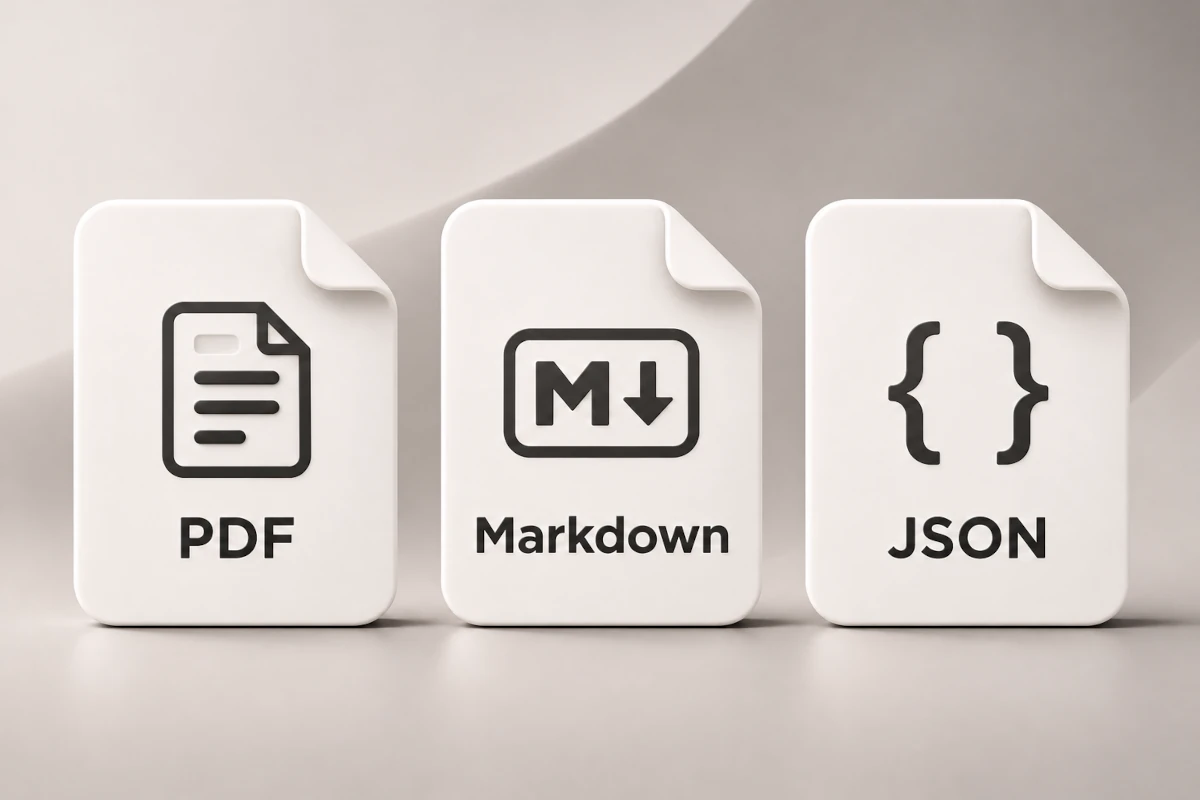
Whether you’re sharing, documenting or automating, there’s a format made for the job.
PDF
A clean, printable document with formatting, code blocks, tables and images. Ready to share or archive.
Markdown
Plain text that drops straight into notes apps, wikis and documentation.
JSON
Structured data for scripts, integrations and long-term archives.
Make it yours
Settings that fit the way you work
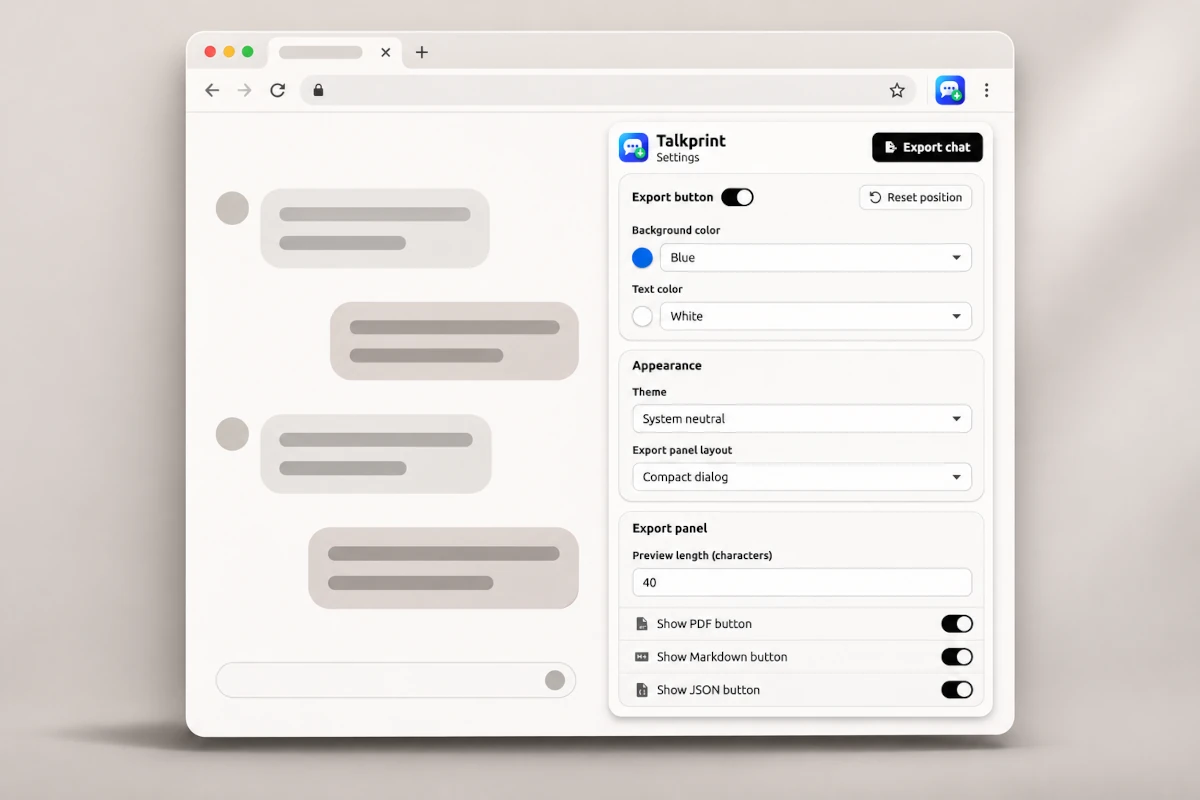
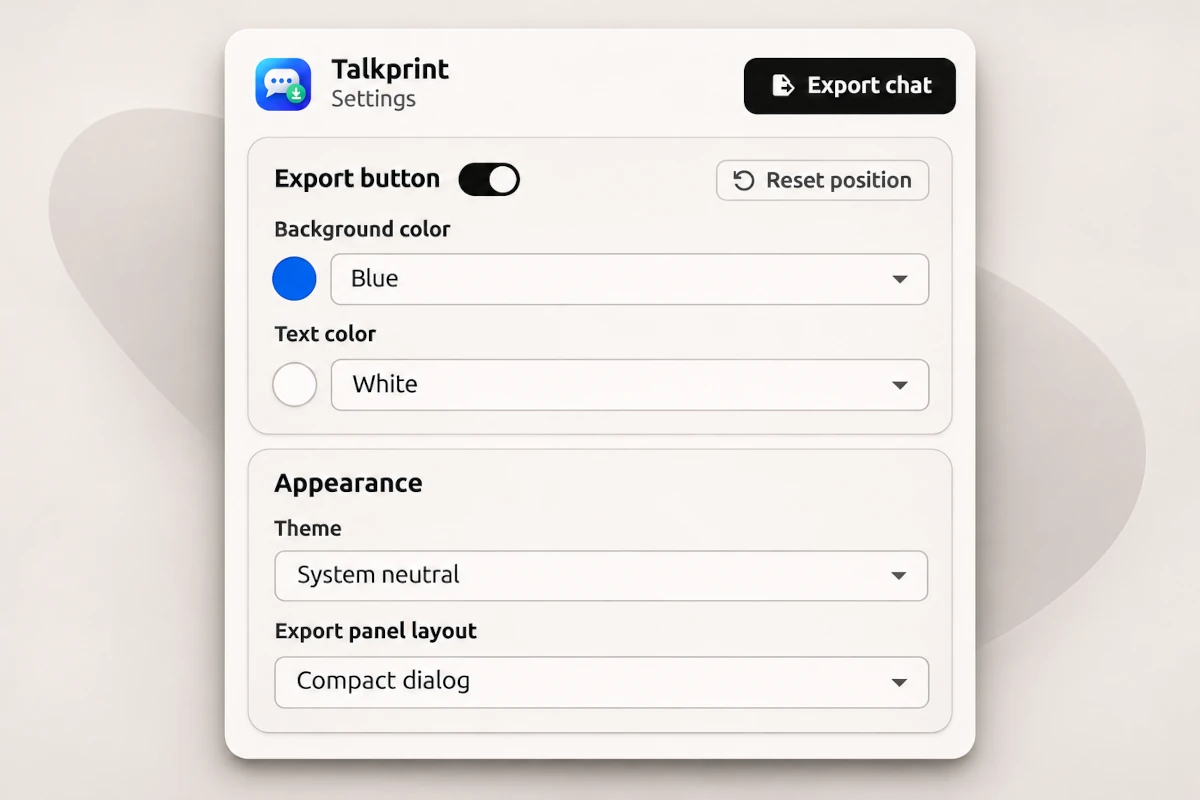
Fine-tune Talkprint from the extension popup. Your preferences are saved in your browser and apply instantly.
- Light, dark, high-contrast or system theme
- Export panel as a side panel or a compact dialog
- Custom Export button background and text colors
- A movable Export button with one-click position reset
- Show only the export formats you use
- Adjustable message preview length
Private by design
Your chats stay yours
Everything happens in your browser. Talkprint has no server and never sends your conversations to us or to anyone else.
No server
Exports are created on your device. There is nowhere else for your data to go.
No tracking
No analytics, no ads and no remotely hosted code.
Reads only on request
Talkprint reads a chat only when you click Export.
Your files, your device
Exports are saved straight to your computer. We never keep a copy.
Keep the conversations that matter
Turn your best AI chats into documents you can read, share and build on.
Talkprint is an independent project and is not affiliated with, endorsed by or sponsored by Google, OpenAI or Anthropic. Gemini, ChatGPT and Claude are trademarks of their respective owners.